




Water Lilies
Watch the flowers light up on the pond, then repeat the order, like the classic Simon game.
- Memory
- Reasoning
Sign up on here if you don't have your mobile handy
You are going to create a patient management account. This account is designed to give your patients access to CogniFit evaluations and training.
You are going to create a research account. This account is specially designed to help researchers with their studies in the cognitive areas.
You are going to create a student management account. This account is designed to give your students access to CogniFit evaluations and training.
You are going to create a family account. This account is designed to give your family members access to CogniFit evaluations and training.
You are going to create a company management account. This account is designed to give your employees access to CogniFit evaluations and training.
You're setting up your trainer account. With it, you’ll be able to invite your group and guide them through CogniFit evaluations and training activities.
For personal use
I'm a health professional
For my family
I'm an educator
I'm a researcher
Employee Wellbeing
Developers
I’m a coach or sports professional
For users 16 years and older. Children under 16 can use CogniFit with a parent on one of the family platforms.
By clicking Sign Up or using CogniFit, you are indicating that you have read, understood, and agree to CogniFit's Terms & Conditions and Privacy Policy.
Scan the below QR with your phone to register through our mobile app for the ultimate convenience and access on-the-go!
If you don't have your mobile handy sign up on here
Download our app to enjoy a good experience on this device


If you don't have your mobile handy sign up on here


“The CAB Pro is the best cognitive assessment that can be administered online.”
Designed for psychologists and clinical professionals.
No credit card required. Cancel anytime.
Your data is protected and never shared.
By creating an account, you agree to CogniFit’s Terms & Conditions and Privacy Policy.
Do you already have a CogniFit account? Log in
Cards, mahjong, sudoku, chess, word search and puzzles to play here, free and full screen, and more than 200 games waiting in your free CogniFit account. All of them exercise memory, attention, reasoning, perception and coordination.
Over 65? There is also a cognitive assessment for over-65s.

Solitaire

Choose an area to see its games
Good games for seniors are the ones a person enjoys and comes back to: memory games, card and tile games such as solitaire and mahjong, number puzzles like sudoku, and word games.
Each one asks the mind to remember, focus, plan or notice details. Short, regular sessions that grow harder slowly keep it a pleasure rather than a chore.

Classic games for seniors and the elderly that you may already know, covering memory, attention, reasoning, perception and coordination. Pick a group, press play and the game opens full screen. There is nothing to download.
Pick any game below. It opens full screen, with nothing to install.
When the round ends, the game asks you to sign up for free. It takes a minute.
Create your free accountTrack your scores, play more than 200 games and, if you are over 65, take the cognitive assessment.
Memory games for seniors: games that ask you to keep sequences, sounds, pictures and places in mind.
Watch the flowers light up on the pond, then repeat the order, like the classic Simon game.

Memory pairs with melodies: listen to each card and find the two that play the same tune. Turn the sound on.
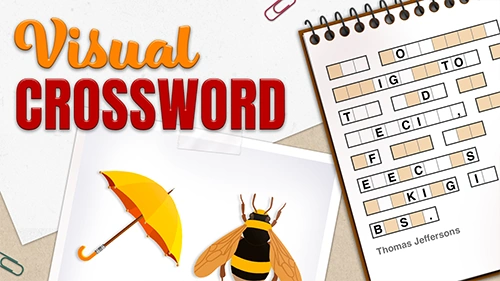
Look at a picture, then name what you saw to fill in the crossword.

Remember which candy goes in each bag, its type and its color, then put it back once it disappears.
Attention and focus: games that ask you to stay with the task and catch every detail.
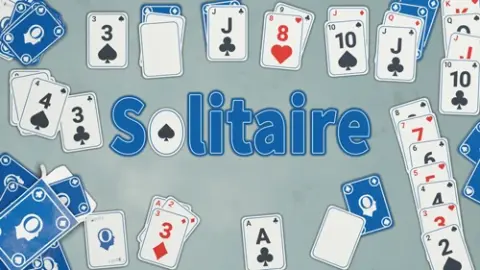
The classic card game: sort the cards by suit from ace to king, planning a few moves ahead.
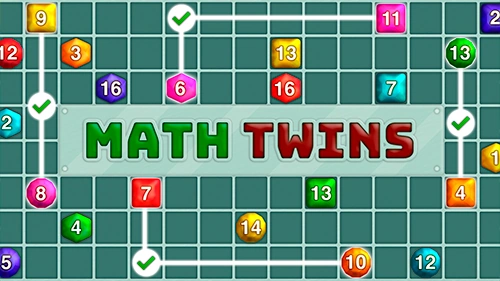
Find the pairs of numbers that add up to the total shown.
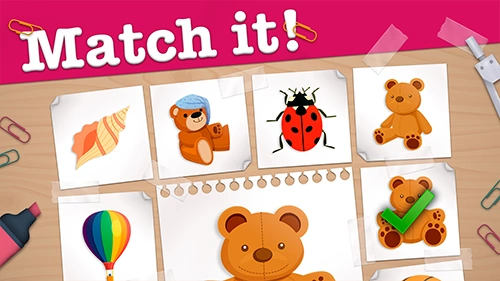
Pick out every picture that is exactly the same as the one in the center, before the time runs out.
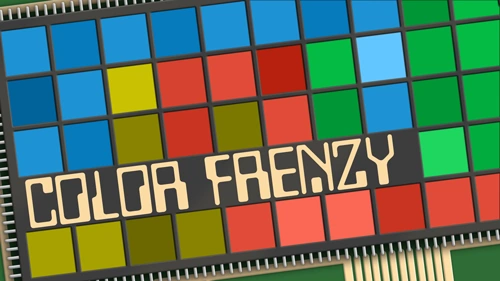
Choose the right square by its color before the time runs out. The goal changes as you play.
Reasoning and planning: games that reward thinking before you move.
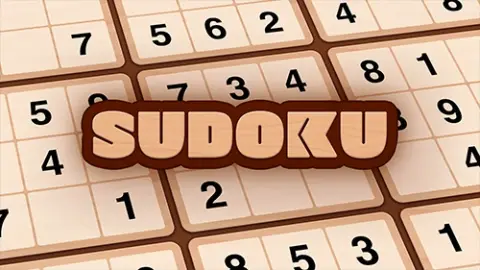
Fill the grid so that every row, column and box holds each number once.
Play chess against the computer, at your own pace, on one of three levels.

Color a mandala at a relaxed pace; in some rounds, recall the colors you saw.
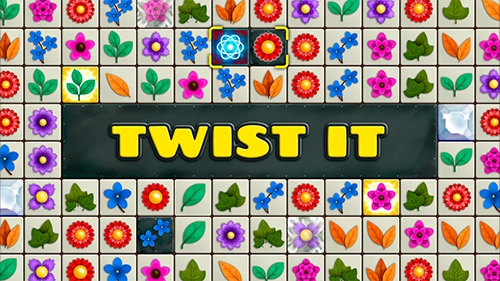
Swap neighboring tiles to line up three or more of the same, like the match-three games many people play on their phones.
Visual perception: calm games about noticing shapes, letters and pieces.
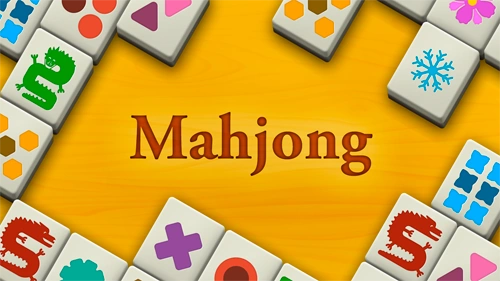
Find and remove matching pairs of tiles until the board is clear.
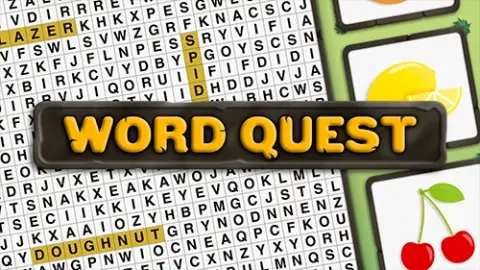
A word search: find the hidden words among the letters and remember the ones you have already found.
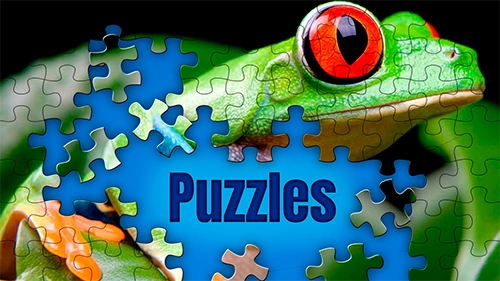
A classic jigsaw: put the pieces back together to complete the picture.

Slide the pieces into the empty space to rebuild the picture, like the classic sliding puzzle. Moves are limited.
Coordination: lively games about seeing quickly and moving or tapping in the right place.
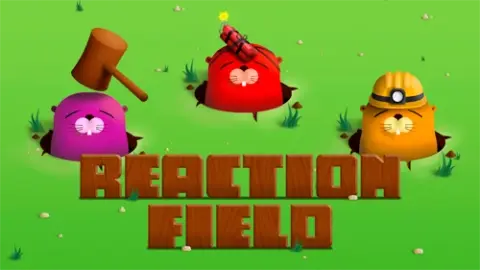
Whack-a-mole: tap each mole as it pops up. The speed adapts to the player.

Steer the bee to pop every balloon while keeping clear of the red zones and the bombs.

Fly the bee across the leaves of the right color until it reaches the flower.
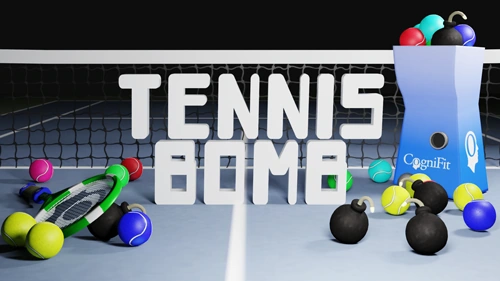
Hit the balls of the right color and let the bombs go by.
Create a free account to keep playing, save your scores and explore more than 200 CogniFit games.
Simple exercises for the kitchen table or the living room, with a pencil at most. A family member or carer can read the steps aloud and play along.

Exercise 1
Easier Start with three items and group them by aisle.
Harder Wait ten minutes before recalling, or add quantities.
Exercise 2
Easier Retell only the beginning, the middle and the end.
Harder Retell it again the next morning.
Exercise 3
Easier Choose a simple picture with a few large objects.
Harder Answer questions about small details, like what was on the table.
Exercise 4
Easier Take two minutes, or pick a very familiar category.
Harder Only words that start with a given letter.
Exercise 5
Easier Use three photos of people you already know.
Harder Add new faces, or recall a detail as well as the name.
Exercise 6
Easier Just the morning, or a short walk to the mailbox.
Harder Describe the route backwards, from the end to the start.

Exercise 7
Easier Round the prices to whole dollars first.
Harder Work out the change from a twenty-dollar bill.

Exercise 8
Easier Use fewer objects with very different colors.
Harder Add more objects, or change two at once.
Enjoyed an exercise? Its screen version opens in one tap.
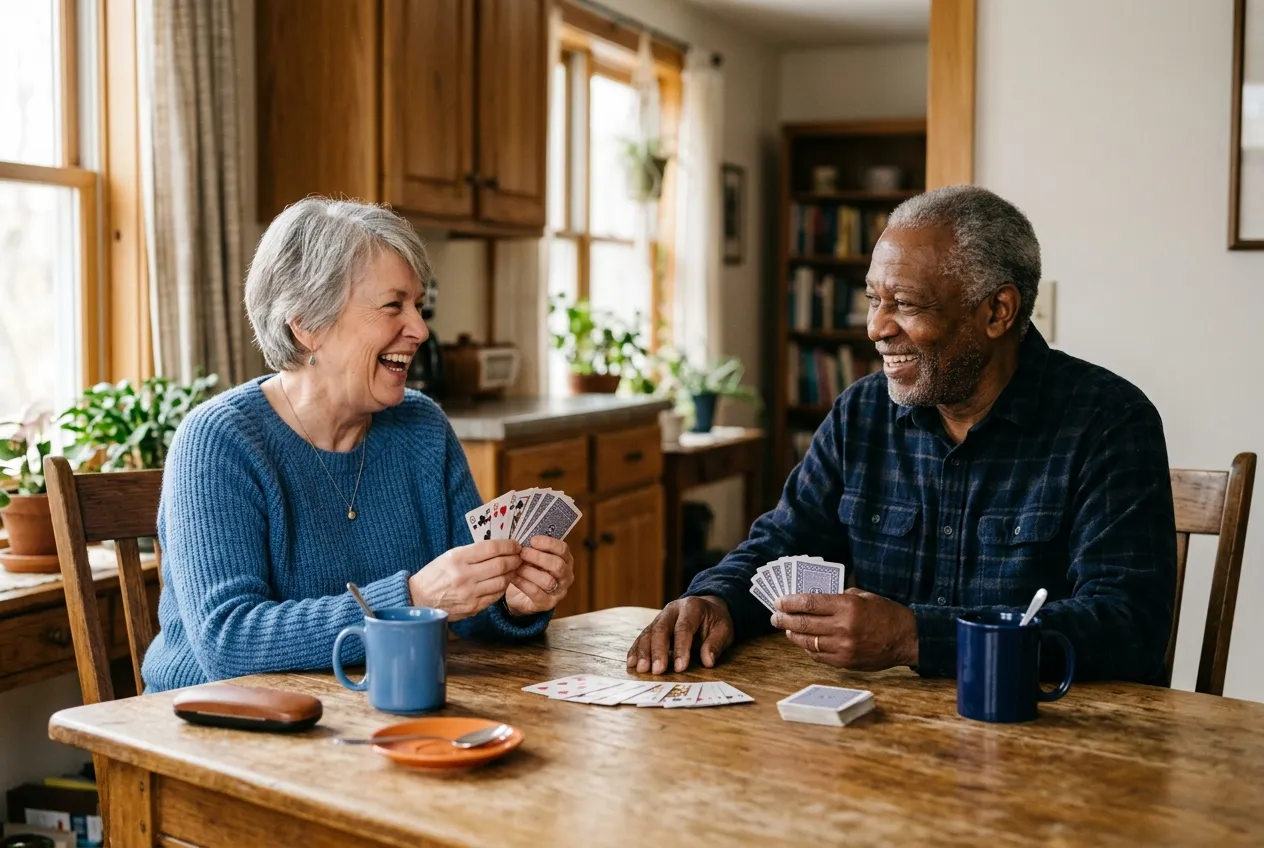
The classics still work: they bring people to the same table and give everyone something to talk about. Here is what each one asks of the mind, and a small change that makes it easier to join in.
Tip Use large-print cards and a card holder for stiff hands.
Tip Choose big tiles or tiles with colored dots that are easier to read.
Tip Call each number slowly, twice, and use large-print cards.
Tip Start with fewer, larger pieces and sort the edges first.
Tip Solve together: one person reads the clue, the other answers.
Tip Ask about the music, films and places of their own youth.
Tip Begin with six pairs face down, or make the cards from family photos.
For the person who plays and for the one who sits beside them.
Begin at the easiest level and move up only when it feels comfortable. A little challenge is good; stress is not.
One or two games at a time, at the same moment of the day, such as after breakfast, are easier to keep up than a long session.
A tablet is easier than a phone, and a touch screen easier than a mouse. Zoom the page, sit in good light, and turn the sound off or use headphones.
Sit side by side, take turns and chat. For many people the company matters as much as the game.
Stop, switch to a familiar game and praise the effort. Never turn it into a test or correct every move.
Ready to try? Every game opens full screen.
Games are a pleasant way to keep the mind busy. Here is what that does and does not mean.
6 million+ people use CogniFit's games and tests
150+ countries, developed with neuroscientists
When you play a game regularly, you usually get better at it and at the skills it uses most: holding things in mind, keeping your focus, planning a move. How much of that carries into everyday life varies from person to person.
It has not been proven that games prevent, delay or treat dementia or Alzheimer's disease. Be wary of any product that promises it.
A score shows how a round went, not how healthy someone's memory is. If memory changes worry you or someone you care for, talk to a doctor. You can also read about mild cognitive impairment and how it is recognized.
Want to see how you do over time? A free CogniFit account saves your results and tracks your progress.
CogniFit measures and trains cognitive skills; it does not diagnose, treat or prevent any medical condition, and its results are not medical advice or a substitute for professional care.
Once you have played, these are the natural next steps.
Keep playing when a game's time is up, save your scores and track your progress over time, all in one place.
Create your free account Signing up for a parent? Create a family accountAn online check of memory, attention and other cognitive skills, designed for people over 65. It gives you a starting point, not a diagnosis.
See the assessment for over-65sBrain training for healthy aging, with sessions shaped around the skills you want to work on.
See the healthy aging program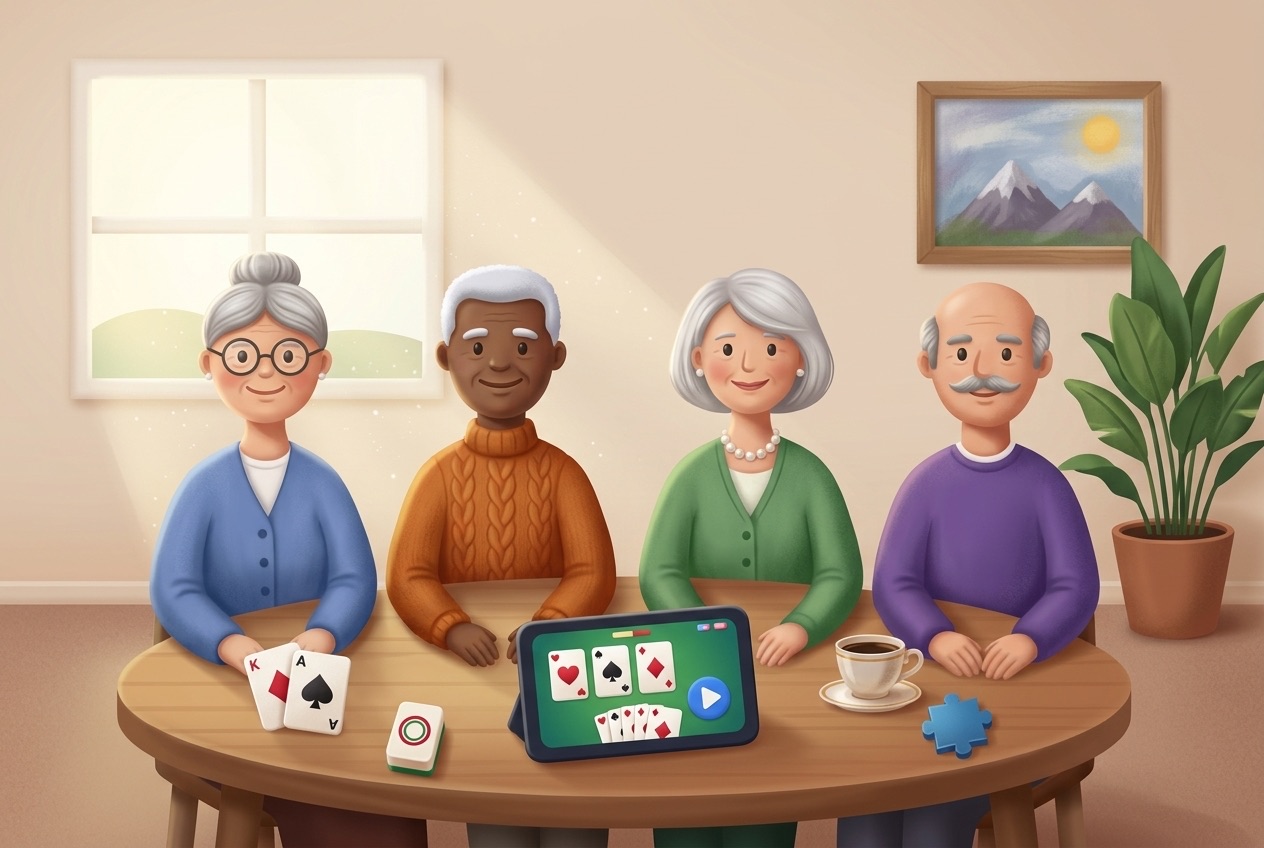
For professionals
Bring cognitive stimulation to groups of residents with tools built for centers and professionals.
Short, honest answers to what families ask most.
Want to track your progress? A free account saves your scores and lets you keep playing.
Save your progress, free Or play a game first Signing up for a parent? Create a family accountYes. Played for enjoyment, they are an easy way to spend a few minutes remembering, focusing and planning, and many people like having something new to try. Choose games that feel a little challenging but never stressful.
Start with the memory group. Water Lilies, Melody Mayhem and Visual Crossword all ask you to keep information in mind. Away from the screen, try shopping list recall or memory pairs.
There is no fixed rule. Short, regular sessions of one or two games are easier to keep up than long ones. Stop while it is still enjoyable.
Yes. The games on this page are free to play, with no download. They open full screen in the browser on a computer, tablet or phone. When a game's time is up, a free CogniFit account lets you keep playing.
To keep your progress. A free account lets you keep playing when a game's time is up, saves your scores and shows how you do over time. It is also where you can take the cognitive assessment for over-65s. Signing up for a parent? A family account is designed to give your family members access to CogniFit evaluations and training.
Yes. CogniFit has an online cognitive assessment for over-65s that checks memory, attention and other cognitive skills. You take it from your CogniFit account, and it gives you a starting point, not a diagnosis.
No, that has not been proven. Games can be a pleasant, stimulating pastime, but no game has been shown to prevent, delay or treat dementia or Alzheimer's disease.
Talk to a doctor first. Playing is not a diagnosis, and a doctor is the right person to look at memory concerns. If the person enjoys games, easy levels played together can still be a pleasant activity.
Yes. Sit side by side, take turns and talk through the moves. The screen-free games and exercises above are also designed to be shared.
Games open full screen and you can stop whenever you like. Create a free account to save your progress and pick up where you left off.
CogniFit App
Brain Science
Research
Brain Games
Tools
* Every CogniFit cognitive assessment is intended as an aid for assessing cognitive wellbeing of an individual. In a clinical setting, the CogniFit results (when interpreted by a qualified healthcare provider), may be used as an aid in determining whether further cognitive evaluation is needed. CogniFit’s brain trainings are designed to promote/encourage the general state of cognitive health. CogniFit does not offer any medical diagnosis or treatment of any medical disease or condition. CogniFit products may also be used for research purposes for any range of cognitive related assessments. If used for research purposes, all use of the product must be in compliance with appropriate human subjects' procedures as they exist within the researchers' institution and will be the researcher's obligation. All such human subject protections shall be under the provisions of all applicable sections of the Code of Federal Regulations.
 United States